Twitter Photo Downloader
Save Twitter photos in seconds.
Preserve Memories with a Twitter Photo Downloader
Twitter is a visual platform, filled with high-quality photography, fan art, and infographics. However, saving these images can sometimes be tricky, especially if you want the highest resolution available. Our Twitter Photo Downloader makes it simple to grab the original source image from any tweet. Whether it's a wallpaper-worthy landscape or an important chart, our tool ensures you get the best version.
Using a Twitter Photo Downloader is superior to taking a screenshot. Screenshots compress the image and often include unwanted UI elements like battery icons or time stamps. Our Twitter Photo Downloader extracts the raw image file directly from Twitter's servers. This means you get the full pixel count, perfect for printing, reposting, or archiving.
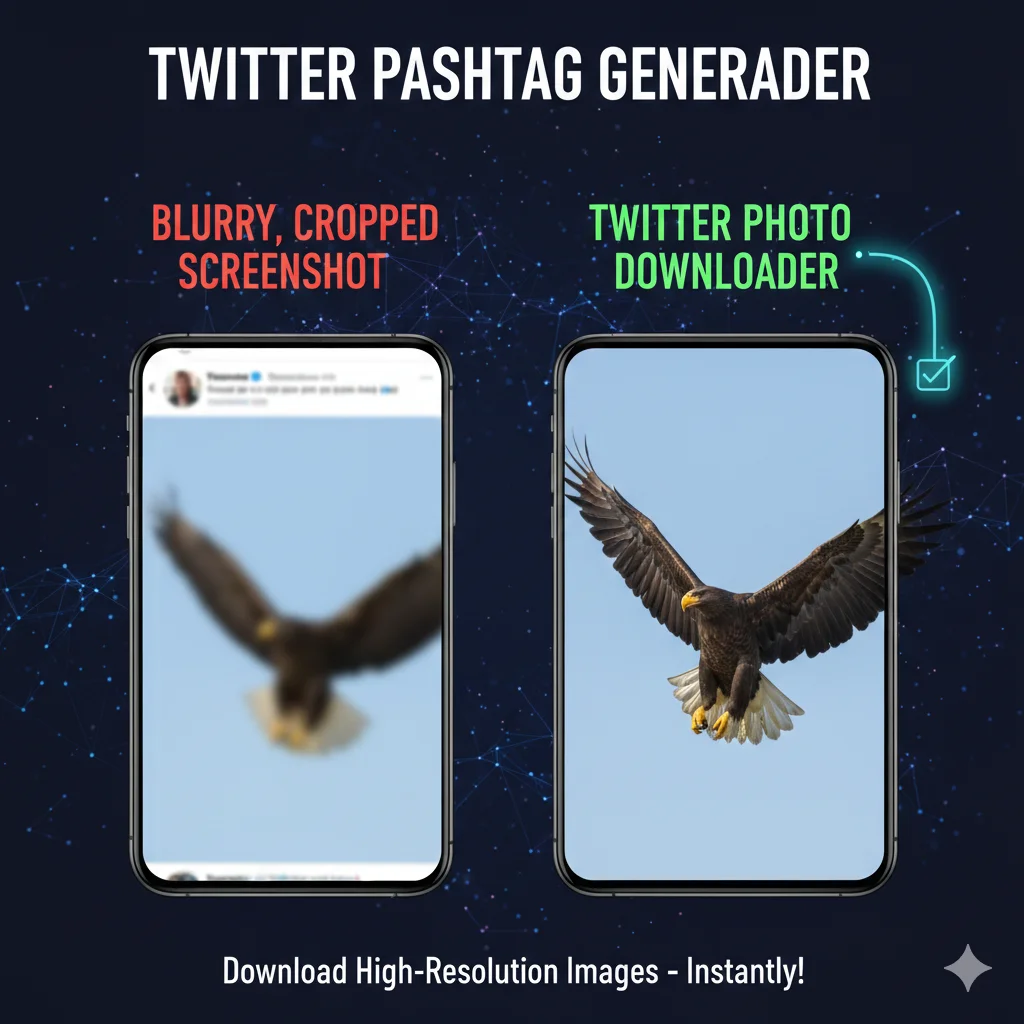
Extracting raw, full-pixel source images directly from servers for your gallery.
Batch Download Multiple Images
Tweets can contain up to four photos. Saving them one by one is tedious. Our Twitter Photo Downloader detects all images in a post and presents them for individually or bulk download. This feature is a lifesaver for saving threads or albums. The Twitter Photo Downloader streamlines the process, letting you grab everything you need in a single click.
Furthermore, the Twitter Photo Downloader works on all devices. Whether you are on a desktop gathering assets for a project or on mobile saving a meme, the experience is seamless. No apps to install, no accounts to create—just a fast, reliable Twitter Photo Downloader right in your browser.
How to Use the Twitter Photo Downloader
Save images in original quality:
- Copy Link: Get the URL of the tweet with the image.
- Paste: Enter it into the Twitter Photo Downloader.
- Download: Click the download button for the photo you want.
Is it anonymous?
Yes. The account owner will not know you used a Twitter Photo Downloader to save their image.
Does it support 4K? Yes, if the original upload was high-resolution, our Twitter Photo Downloader will fetch the highest quality available. Learn more about high-quality uploads at the X Help Center.
Frequently Asked Questions About Twitter Photo Downloader
What format are images saved in? Usually JPG or PNG, depending on the original upload. Is there a limit? No, use the Twitter Photo Downloader as much as you like.